
Download Trinity Building Editor – building game, creative building, simulation game, alien planet, architecture tool, customizable home, landscape design, world building, 3D building, creative freedom, design tool, virtual construction, build your world, architectural imagination
Overview
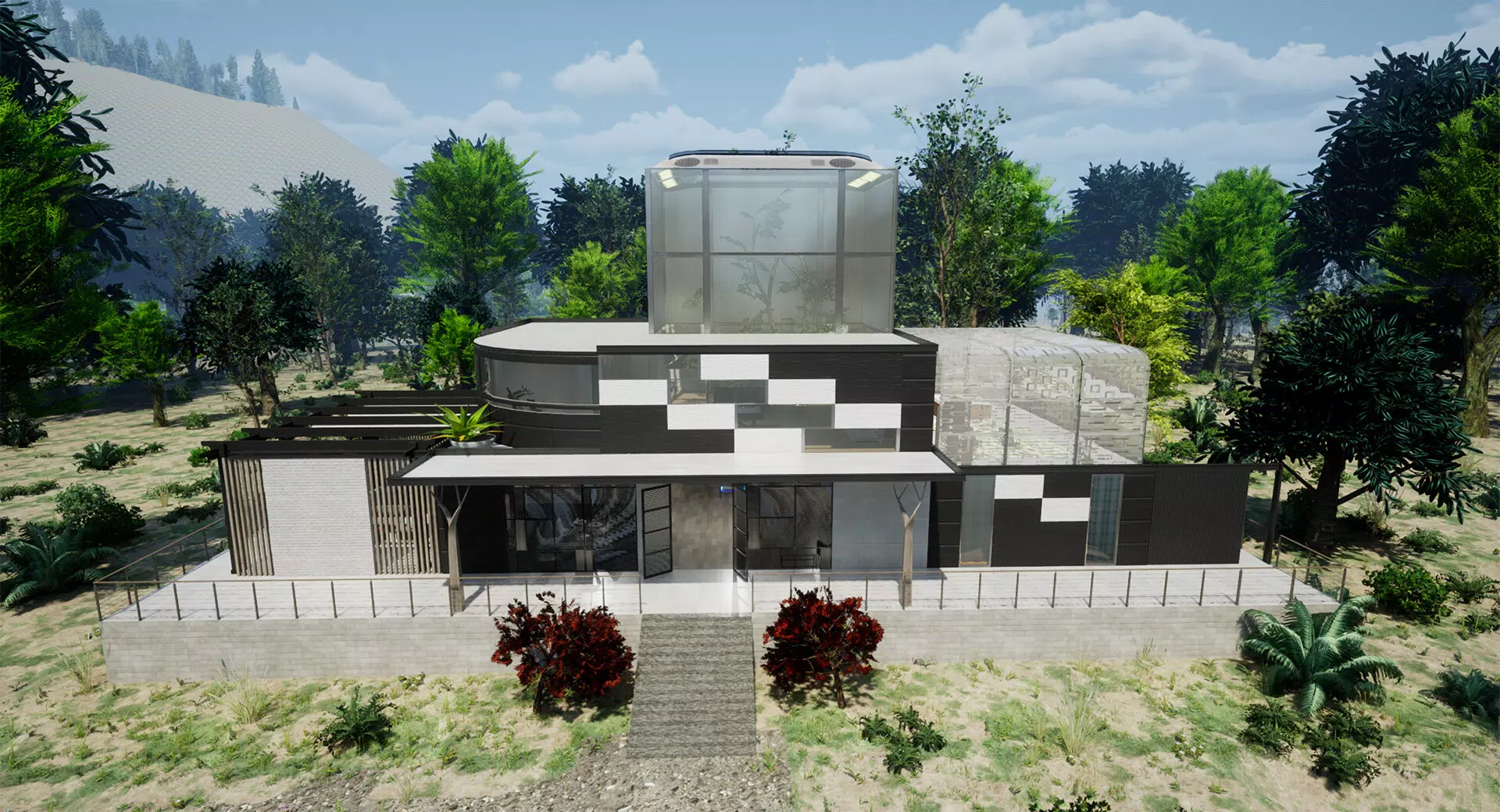
Trinity Building Editor is a standalone simulation game designed to offer players a deeply immersive and unrestricted building experience. Set on an alien planet, the game invites users to explore architectural creativity and landscape design in a dynamic, otherworldly environment. The core purpose of the app is to serve as a digital canvas for users to construct homes, customize terrain, and shape entire ecosystems according to their imagination. It functions as both a creative outlet and a sandbox tool, emphasizing personal expression over structured objectives.
Target users include fans of simulation and building games, aspiring architects, and individuals seeking a relaxing, visually engaging mobile experience. The game is particularly suited for those who enjoy world-building mechanics and want to experiment with design without real-world constraints. While the developer, Trinity Games, has not provided extensive background information, the game’s standalone nature and focus on creativity suggest a deliberate effort to establish a foundation for a broader universe—the Trinity Mysterious System.
Real-world use cases include personal creative projects, digital art exploration, and stress-relief through constructive play. The app contributes meaningfully to the mobile simulation ecosystem by offering a high degree of customization and freedom, distinguishing itself from more rigid or goal-driven building games. Its emphasis on user-driven design positions it as a unique tool in the growing category of mobile creative utilities.
Key Features & Functionality
- Unlimited Creative Freedom: Players can design homes without predefined templates, adjusting shapes, sizes, and structural elements freely. This allows for the creation of unique architectural forms, from circular dwellings to futuristic structures, fostering personal expression.
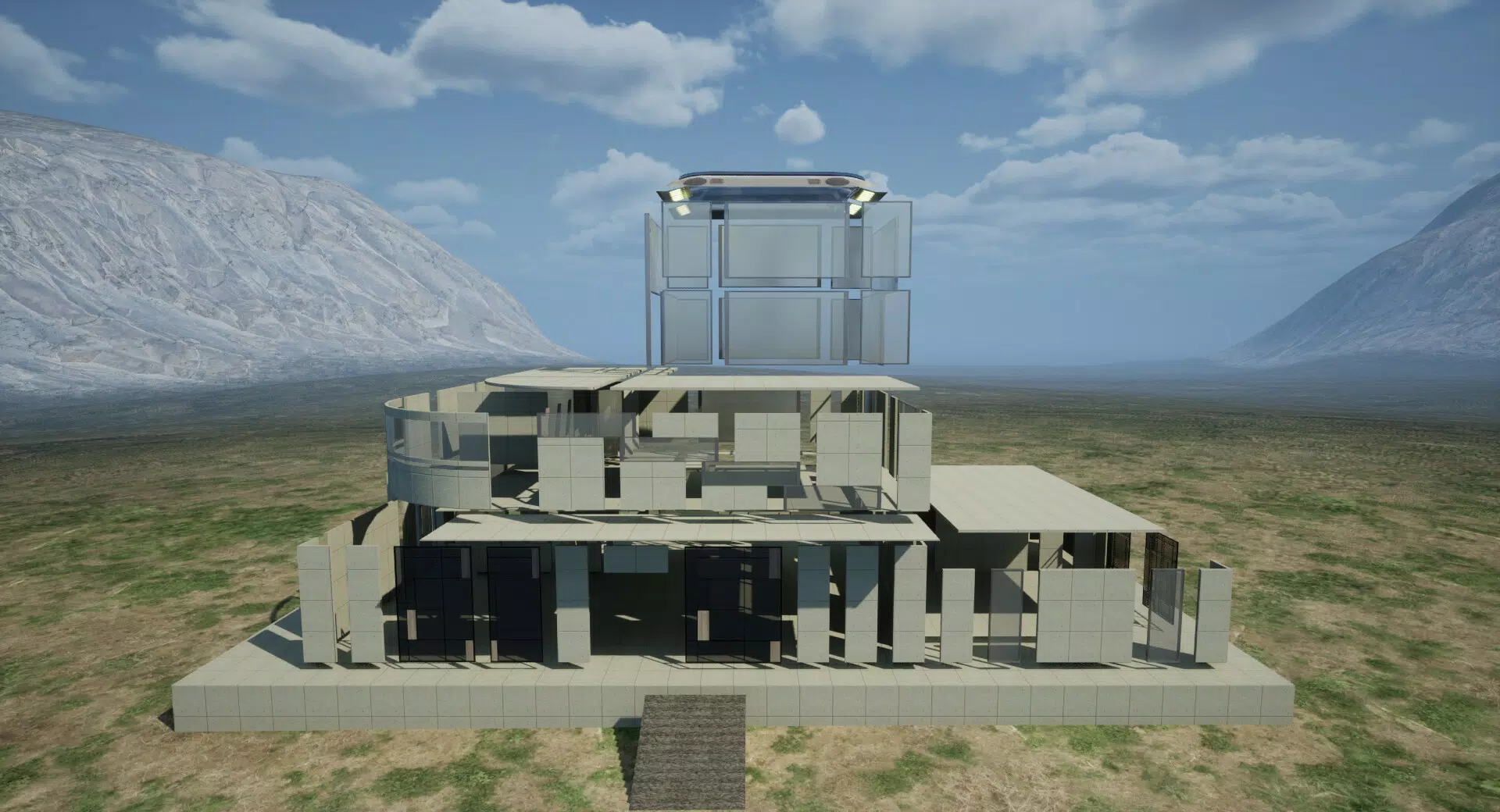
- Advanced Customization Tools: The editor provides precise control over walls, windows, and roofs. Users can extend, shorten, or reshape these components to achieve exact visual results, minimizing texture distortions and maintaining design integrity.
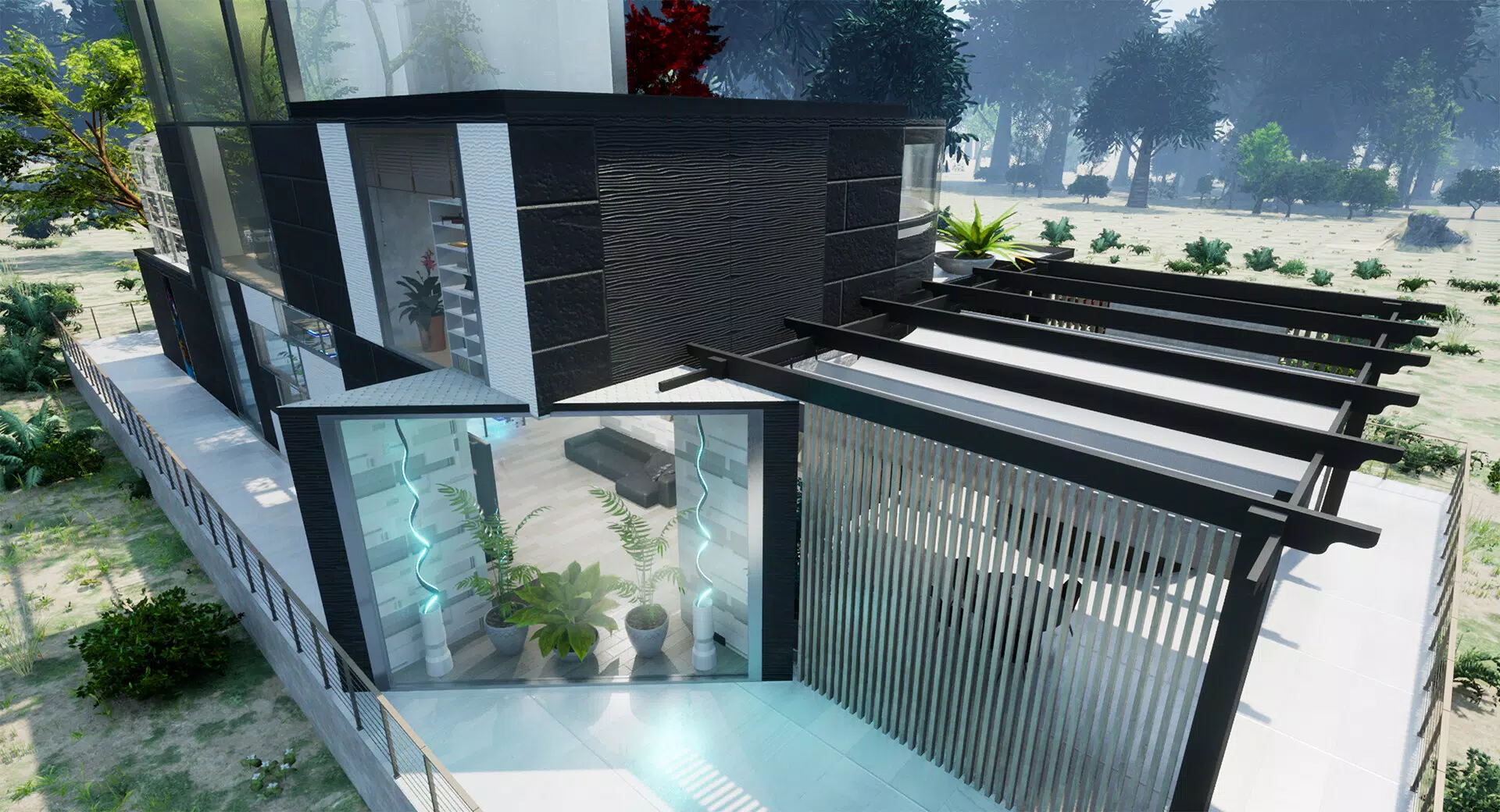
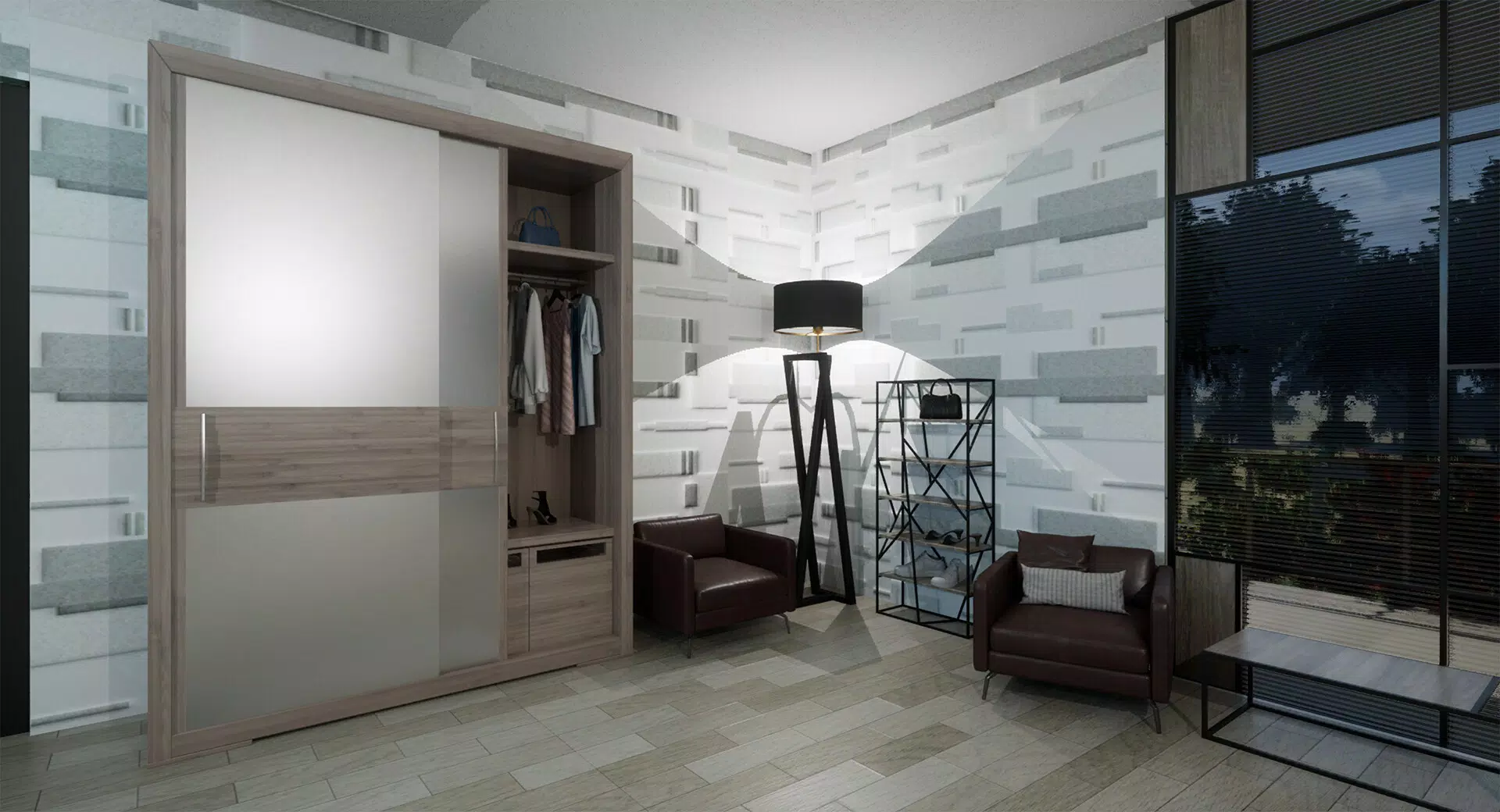
- Diverse Design Elements: A wide array of realistic textures and materials is available, including metallic finishes, colored glass, and patterned surfaces. Stained glass effects for windows add artistic depth, enhancing the visual appeal of each build.
- Dynamic Landscaping Features: Terrain manipulation allows users to dig into the ground or elevate surfaces, creating caves, terraces, and gardens. The addition of exotic flora and decorative elements enables the development of rich, vibrant environments.
- Unique Otherworldly Environment: The alien planet setting features surreal landscapes, glowing flora, and shifting weather patterns. These environmental dynamics challenge players to adapt their designs, adding layers of complexity and immersion.
For example, a user might build a floating home on a cliff edge, using terrain tools to carve out a stable foundation and then customize the structure with reflective glass and moss-covered walls. Another player may create a subterranean network of tunnels and chambers, using dynamic landscaping to form natural-looking caverns and planting bioluminescent mushrooms for ambient lighting.
Interface, UX & Performance
The user interface of Trinity Building Editor is designed with intuitive navigation in mind, allowing players to access building tools and customization options through a clean, organized layout. Visual style leans toward a stylized 3D aesthetic, with smooth textures and vibrant color palettes that enhance the alien world’s otherworldly feel. The navigation flow supports seamless transitions between building, landscaping, and material selection modes.
Based on available information, the app appears optimized for a range of Android devices, though specific performance metrics were not disclosed. The developer did not list formal performance benchmarks or device compatibility details. However, the 250 MB file size suggests a lightweight, efficient build that should run smoothly on mid-tier and higher-end smartphones. Responsiveness is expected to be consistent, given the app’s focus on real-time manipulation of structures and terrain.
Stability is a critical factor in simulation tools, and while no user reports or crash data were provided, the app’s standalone nature and lack of in-app purchases indicate a focus on core functionality. The absence of monetization elements may contribute to a more stable experience, minimizing potential performance disruptions.
Platform Compatibility & Technical Requirements
Trinity Building Editor is available exclusively on the Android platform. The current version is 1.0.1, with a file size of 250 MB. The developer did not specify minimum OS requirements or device compatibility details. This lack of information means users should verify compatibility with their specific devices before installation.
Given the app’s size and nature as a 3D simulation tool, it likely performs best on devices with capable graphics processors and sufficient RAM. However, no official hardware specifications were provided. Users should ensure their device supports 3D rendering and touch-based manipulation to fully enjoy the building and landscaping features.
Pros and Cons
Pros
- Offers unlimited creative freedom for architectural and landscape design
- Features advanced tools for precise structural and material customization
- Supports dynamic terrain manipulation and environmental adaptation
- Set in a visually rich, alien planet environment with unique flora and weather
- Free to download and install with no in-app purchases or ads
Cons
- Specific device requirements and OS compatibility were not disclosed
- Limited information on performance optimization across different Android models
- No details on update frequency or long-term development roadmap
- May require higher-end hardware for optimal 3D rendering
- Limited social or sharing features for built creations
FAQ
Is Trinity Building Editor free to download?
Yes, the app is available at no cost. There are no in-app purchases or advertisements reported in the current version.
Can I play Trinity Building Editor on iOS devices?
Currently, the app is only available on Android. No iOS version has been released or announced.
What are the system requirements for running the app?
The developer did not specify minimum OS or hardware requirements. Users should ensure their device supports 3D graphics and touch-based interaction.
How often is the app updated?
Update frequency has not been disclosed. The latest version is 1.0.1, released on August 30, 2024.
Is my progress saved between sessions?
While not explicitly stated, the app’s design as a persistent simulation tool suggests that builds are likely saved locally. However, no official information on data storage or backup was provided.
Final Thoughts + CTA
Trinity Building Editor stands out as a compelling mobile simulation experience that prioritizes creativity, freedom, and immersive design. With its alien planet setting, dynamic landscapes, and robust customization tools, it offers a refreshing alternative to traditional building games. The absence of monetization and the focus on pure creative expression make it particularly appealing to casual players and digital artists alike.
While technical details remain limited, the app’s clean interface, intuitive controls, and visually rich environment suggest a polished user experience. It is ideal for users who enjoy building, designing, and experimenting in a virtual space without constraints. Whether crafting a futuristic home or sculpting an alien garden, players are empowered to bring their visions to life.
As the first entry in the Trinity Mysterious System, the app lays a strong foundation for future expansions. For those seeking a unique, free, and imaginative mobile tool, Trinity Building Editor delivers significant value. Download Trinity Building Editor now.


